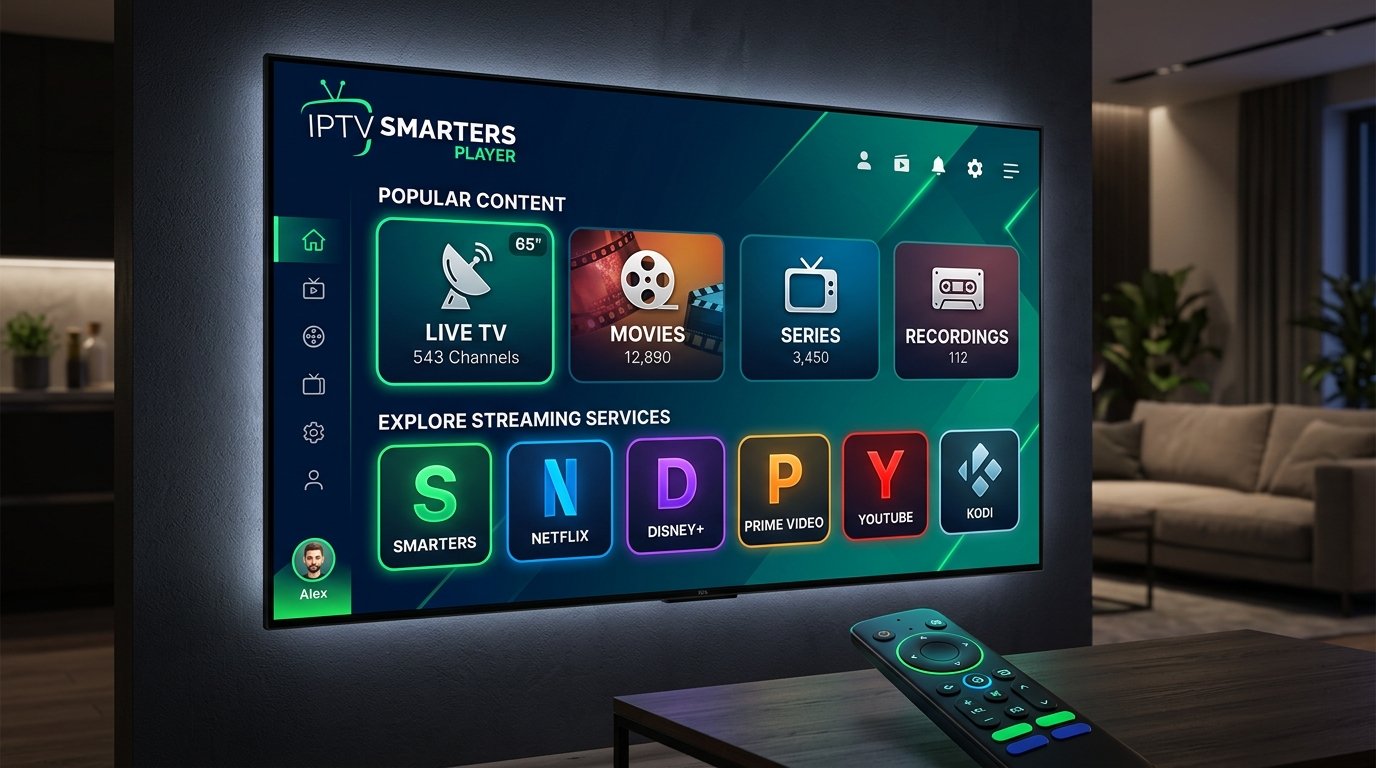
10 Amazing Tips for IPTV Smarters Player: The Ultimate Guide
The iptv smarters player is revolutionizing how we consume television, making traditional cable subscriptions seem almost obsolete. This powerful tool allows users to access a plethora of streaming options, optimizing their viewing experience across multiple devices. Whether you’re new to IPTV or a seasoned user, these ten amazing tips will help you unlock the full potential of the IPTV Smarters Player.
1. Choose the Right Version
The IPTV Smarters Player comes in different versions: iptv smarters pro and iptv smarters lite. The Pro version includes advanced features like multi-screen support and an extensive EPG, making it ideal for serious viewers. In contrast, the Lite version is designed for users with lower-end devices. Consider your needs and device capabilities before deciding which version to download.
2. Streamline Your Setup
Setting up the iptv smarters player is straightforward. Install the app on your device, input your IPTV credentials (M3U link or Xtream Codes), and you’re good to go. For detailed setup instructions, check out the Best IPTV Smarters Player Guide 2025.
3. Optimize Buffering Settings
Buffering can ruin your viewing experience. To minimize interruptions, adjust your buffering settings in the player. Navigate to the settings menu and configure buffering time to suit your internet speed. This small tweak can significantly enhance smooth streaming.
4. Customize Your EPG
The EPG (Electronic Program Guide) is a vital feature that enhances navigation. Customize it by rearranging channels according to your preferences, making it easier to find your favorite shows. A well-organized EPG can save you time and improve your overall experience.
5. Leverage Multi-Screen Functionality
If you love watching multiple channels simultaneously, take advantage of the multi-screen feature. This allows you to view different channels at once, perfect for sports fans who don’t want to miss any action. Make sure your device supports this feature to get the most out of it.
6. Explore Video on Demand Options
IPTV Smarters Player isn’t just for live TV; it also supports Video on Demand (VOD). Access a vast library of movies and series, complete with descriptions and ratings, as provided by your IPTV service. This feature ensures you have endless entertainment at your fingertips.
7. Use External Players for Enhanced Features
The iptv smarters player allows integration with external video players like VLC or MX Player. This can enhance playback quality and provide additional features like subtitle support. Simply set your preferred external player in the app settings for improved viewing.
8. Troubleshoot Common Issues
Common issues like buffering, playlist failures, and app crashes can be frustrating. Always ensure your app and device firmware are up to date. For detailed troubleshooting tips, consult resources like the Top IPTV Player Features 2025 | Smarters Pro Guide.
9. Prioritize Internet Speed
Your internet connection plays a crucial role in streaming quality. For the best experience with the IPTV Smarters Player, a minimum speed of 10 Mbps is recommended. If you experience frequent buffering, consider upgrading your internet plan or connecting via Ethernet for a stable connection.
10. Stay Informed About IPTV Services
IPTV is constantly evolving, and staying informed can give you an edge. Regularly check for updates from your IPTV provider and look out for new features in the IPTV Smarters Player. For insights into various IPTV services, visit 10 Amazing Best Stellar IPTV Services: The Ultimate Guide.
Conclusion
The iptv smarters player is a game-changer in the world of streaming, but maximizing its potential requires some know-how. By following these ten tips, you can enhance your viewing experience significantly. With the right setup, optimizations, and an understanding of features, you’ll enjoy seamless streaming and access to a world of entertainment.
For additional insights into IPTV options, check out our comparison of streaming services in 7 Amazing Reasons to Choose Fubo vs YouTube and discover cost factors in our 7 Amazing FuboTV Cost Insights: The Ultimate 2026 Guide.